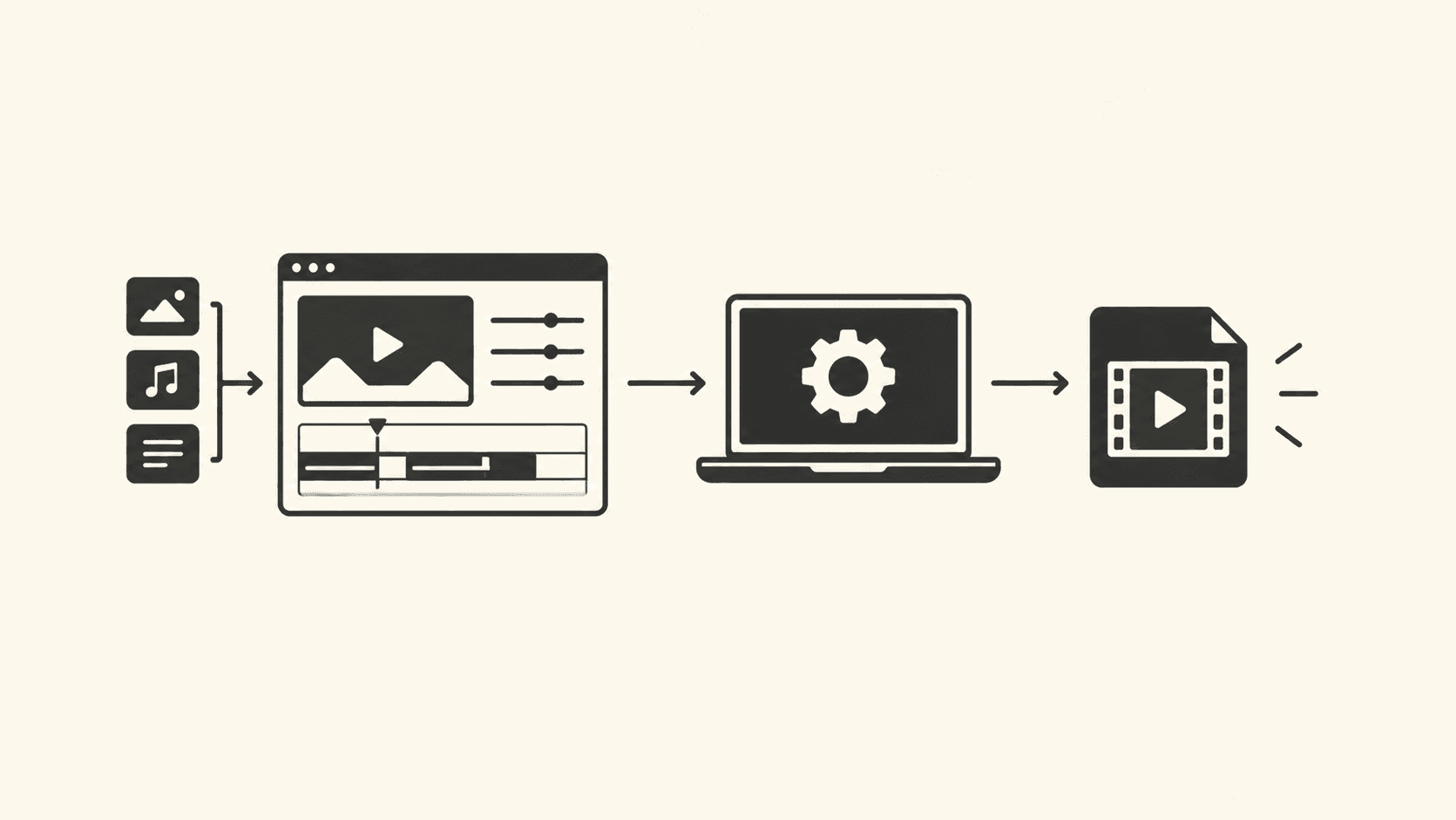
Per-frame work in a browser video pipeline runs the same transform over tens of thousands of pixels or samples, and the idiomatic chain of map, filter, and reduce quietly allocates a new array per step. The verdict up front: for arrays under roughly a thousand elements, use the chain, it is more readable and the cost is noise. Above that threshold, or inside code that runs per frame or per request, use a single for...of loop or iterator helpers. Avoid reduce as an object builder in hot paths, because it allocates on every iteration and defeats escape analysis more often than a plain loop does.
This matters for anything that processes bulk data in JavaScript: frame buffers, CSV parsing, log normalization, or large result sets you reshape before rendering. The mechanism, not the syntax, decides the winner, and the mechanism is measurable.
Why chained javascript array methods cost more than they look
Each call in a chain allocates a fresh array, so a three-step chain over N elements creates three arrays and touches the data three times, while one loop touches it once and allocates nothing. This is documented, observable behavior, not engine trivia: Array.prototype.map and Array.prototype.filter return new arrays by specification, per the definitions on MDN. The cost is not the callback dispatch, which V8 inlines well. The cost is memory traffic: allocation, write, then a second read pass for the next method in the chain.
Three chains over 100,000 elements means roughly 300,000 element writes plus 300,000 reads, versus 100,000 of each for one fused loop. On large arrays that difference shows up as both time and GC pressure, because the intermediate arrays become garbage the moment the chain ends. On small arrays the fixed overhead dominates either way and readability should win.
Below about 1,000 elements, chained calls and loops are indistinguishable in practice and the chain is clearer. Above it, and especially in code that runs per frame, per request, or inside a loop of its own, fuse the steps into one pass. Re-measure on your own data rather than trusting anyone's fixed number.
The trade-off with numbers you can verify yourself
Do not take a benchmark table on faith, including one printed here. Node and browsers both optimize this code aggressively, and results shift across versions. Run this on your own runtime; on Node 22 or later, check the version first with node --version, then run:
const data = Array.from({ length: 200_000 }, (_, i) => i % 1000);

function chained(arr) {
  return arr
    .map(x => x * 2)
    .filter(x => x % 4 === 0)
    .map(x => x + 1);
}

function fused(arr) {
  const out = [];
  for (const x of arr) {
    const a = x * 2;
    if (a % 4 === 0) out.push(a + 1);
  }
  return out;
}

for (const fn of [chained, fused]) {
  fn(data); // warm up so JIT tiering does not pollute the first run
  console.time(fn.name);
  fn(data);
  console.timeEnd(fn.name);
}
The fused version wins consistently at this size because it does one pass and allocates one array. Shrink the input to 500 elements, rerun, and the gap collapses into noise, which is exactly the flip condition. If you change only one thing between runs, change the array length; if you change the workload shape, you are measuring something else.
| Approach | Passes over data | Arrays allocated | Use when |
|---|---|---|---|
| Chained map/filter | One per method | One per method | Under ~1,000 elements, readability matters, cold path |
| Single for...of loop | One | One | Hot path, large arrays, per-frame or per-request work |
| reduce building objects | One | One per iteration | Almost never in hot paths; fine for tiny one-off aggregations |
| Iterator helpers (lazy) | One, on consumption | None until collected | Pipelines you may terminate early or stream |
The reduce row deserves the argument it gets. Building an object with reduce allocates a fresh accumulator object on every iteration, and property-shape changes on that object can deoptimize the surrounding function in V8. Grouping 50,000 records this way is slower and GC-heavier than the equivalent loop. The popular advice to "prefer reduce for immutability" is a style rule for small transforms, not a performance rule, and treating it as one is how hot paths end up slow.
A debugging sequence to isolate the real cost
When a bulk-processing function is slow, most engineers guess at the callback bodies first. The allocation pattern is usually the actual cause, and you can prove it in four steps.
- Time the whole function, not the callbacks. Wrap the call site with
console.time('process')andconsole.timeEnd('process'). This establishes the baseline and prevents optimizing a function that is not the bottleneck. - Count allocations, not operations. In Chrome DevTools, open the Memory panel, take a heap snapshot before and after one call, and compare. A chain of three methods over a large input shows three sizeable array retentions in the snapshot diff. If you see them, the chain is the suspect, regardless of what the callbacks do.
- Rewrite as one pass and re-time. Replace the chain with the fused loop shown above. If the time drops substantially and the snapshot diff shows one array instead of three, the mechanism is confirmed.
- Check the event loop, not just the wall clock. A single 200 ms synchronous pass blocks input and rendering, per the run-to-completion model described in MDN's event loop article. If the fused loop is fast but the page still janks, slice the input and yield with
awaitbetween chunks, which is where async await patterns stop being style and start being scheduling.
Step 4 is the one people skip. Fusing loops fixes CPU time; it does nothing for responsiveness if the total work still exceeds a frame budget. Chunking plus yielding keeps the event loop free while keeping the single-pass win.
Iterator helpers: the lazy middle ground
ES2024 added iterator helpers such as map, filter, and take on iterators, and they are available in Node 22+ and current evergreen browsers. Verify support for your target with the compatibility table on MDN's Iterator.prototype.map page before shipping. They compose lazily: nothing runs until you consume the pipeline, no intermediate arrays are created, and take(n) can stop early.
function* rows(source) {
  for (const line of source) yield line.split(',');
}

const firstTen = rows(csvText)
  .filter(cols => cols[2] === 'active')
  .map(cols => ({ id: cols[0], total: Number(cols[5]) }))
  .take(10); // ES2024 iterator helper

for (const row of firstTen) console.log(row);
Use iterator helpers when the pipeline might terminate early or when input arrives as a stream you already iterate. Use a plain fused loop when you need the materialized result anyway, because collecting the lazy pipeline allocates the output array just like the loop does, and the loop is easier to read for that case. In a module-based codebase, keep these helpers behind small, named functions in their own modules so the hot path stays testable.
What this means for your code review checklist
The common practice worth narrowing is "always prefer declarative array chains." Declarative style is a genuine win for clarity on small inputs, and this article is not an argument against it. The narrow claim is this: chains that run per frame, per request, or over inputs in the tens of thousands should be fused into one pass, and reduce used as an object builder should be treated as a code smell in hot paths specifically because of per-iteration allocation. When a reviewer sees a four-method chain inside a render loop, the review comment should be about allocations, not taste.
Apply the rule by workload shape: cold path, small data, favor the chain; hot path or large data, favor one pass; streaming or early exit, favor iterator helpers. If the profile disagrees with the rule on your workload, the profile wins.
Frequently asked questions
Do array methods block the main thread in the browser?
Yes. All synchronous array work runs to completion on the main thread, so a long pass delays rendering and input. For large datasets, chunk the input and await between chunks, or move the work into a Web Worker. The choice depends on whether the result is needed for the next paint.
Is for...of slower than an indexed for loop?
On arrays, V8 optimizes both to comparable machine code after warm-up, so the difference is rarely the deciding factor. The deciding factor is pass count and allocation. Pick for...of for readability unless a profiler on your exact runtime says otherwise, and re-verify after major engine upgrades.
When should I reach for Web Workers instead of optimizing?
When the total work exceeds a frame budget even after fusing passes, or when the data is independent of the DOM. Workers add serialization cost for transfer, so they pay off for coarse-grained jobs like frame processing, not for a single 5 ms transform. Measure the transfer cost before committing.