JavaScript runs on a single thread, yet it handles thousands of concurrent connections without blocking. That only works if you understand what the javascript event loop actually does with your code: what runs immediately, what waits for a promise, what waits for a timer, and what quietly starves everything else. Get the ordering wrong and a "non-blocking" API endpoint still freezes for hundreds of milliseconds per request. This guide walks through the loop's real mechanics with runnable examples, then shows the exact failure modes you will hit in production Node and browser code.
The event loop drains all microtasks (promise callbacks, queueMicrotask) after every macrotask (timers, I/O, events) and before rendering. Any synchronous CPU work blocks the entire loop, so "async" only helps if the blocking work is actually offloaded to the thread pool or another process.
How the event loop actually schedules work
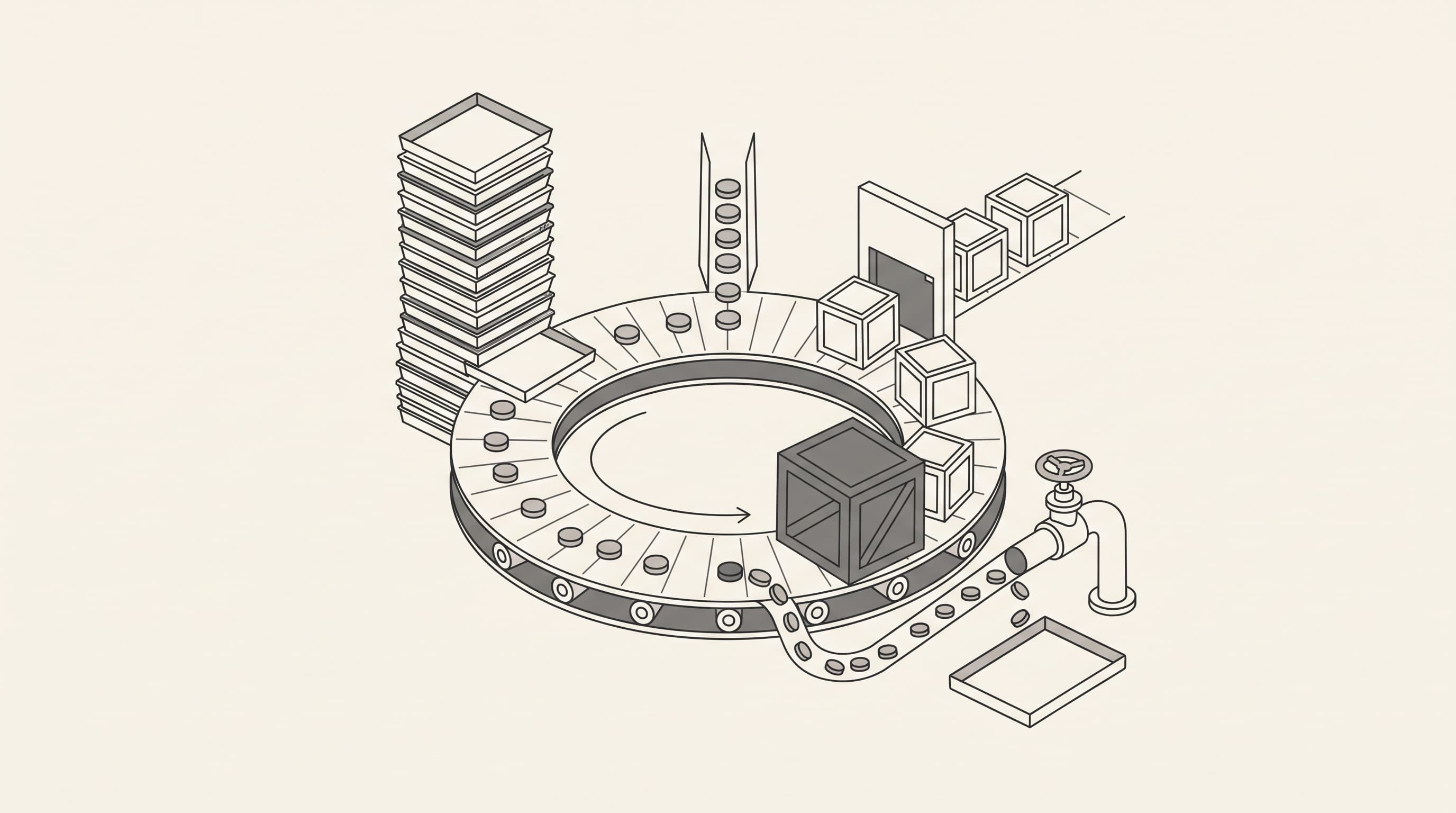
Every JavaScript engine pairs a call stack with an event loop. When you call a function, it runs on the stack until it returns. When you call something non-blocking, like setTimeout or a network request, the engine hands the work to a background thread (Node's libuv thread pool or the browser's network stack) and returns immediately. When that work finishes, a callback is queued. The event loop is the mechanism that repeatedly checks: is the stack empty? If yes, is there a microtask queue? If yes, run all of them. Then run one macrotask, then drain microtasks again, then render (in browsers).
console.log('1: sync start');

setTimeout(() => console.log('4: setTimeout'), 0);

Promise.resolve().then(() => console.log('3: microtask'));

queueMicrotask(() => console.log('3b: queueMicrotask'));

console.log('2: sync end');

// Output:
// 1: sync start
// 2: sync end
// 3: microtask
// 3b: queueMicrotask
// 4: setTimeout
The ordering is not arbitrary. Synchronous code runs first because it is already on the stack. Microtasks run before macrotasks because the engine drains the microtask queue completely after each macrotask, and setTimeout(fn, 0) is still a macrotask that waits for the timer phase. Run this snippet in any Node version or browser console to verify the ordering yourself.
Microtasks vs macrotasks: the practical difference
| Task type | Examples | When it runs | Can starve rendering? |
|---|---|---|---|
| Microtask | Promise.then, queueMicrotask, MutationObserver | Immediately after current macrotask, before next macrotask | Yes, if microtasks enqueue more microtasks indefinitely |
| Macrotask | setTimeout, setInterval, I/O callbacks, setImmediate, UI events | One per loop iteration, after microtask drain | Yes, if the task itself is slow |
Why async/await does not make CPU work non-blocking
async/await is syntactic sugar over promises. It makes I/O non-blocking by suspending the function until the promise resolves, but it does not move synchronous CPU work off the main thread. A tight loop that takes 200ms blocks the event loop for 200ms regardless of whether it is inside an async function. This is the single most common misconception about the javascript event loop in Node services.
// This still blocks the event loop for the duration of the loop.
async function processItems(items) {
    let total = 0;
    for (const item of items) {
        total += heavyComputation(item); // CPU-bound, blocks the loop
    }
    return total;
}

// Offload CPU work to a worker thread instead.
import { Worker } from 'node:worker_threads';

function runInWorker(items) {
    return new Promise((resolve, reject) => {
        const worker = new Worker('./heavy-worker.js', { workerData: items });
        worker.on('message', resolve);
        worker.on('error', reject);
    });
}
If your Node process serves HTTP requests while doing CPU-heavy work (image processing, large JSON transforms, CSV parsing), the event loop stalls and every concurrent request waits. Move that work to worker_threads, a child process, or a separate queue consumer. In a Laravel app, this is the same reason queued jobs exist: the HTTP request returns, and the heavy work runs in a separate worker process that can be scaled independently. See Laravel Queue Best Practices for Reliable Background Jobs for the queue-side equivalent.
Where the event loop bites in real applications
Unbounded microtask chains
A promise that resolves with another promise, recursively, can starve the loop forever. The engine drains microtasks until the queue is empty, so an infinite chain means no macrotask ever runs: no timers, no I/O callbacks, no rendering. In a browser, the tab freezes. In Node, the process stops handling requests.
function recurse() {
    Promise.resolve().then(recurse);
}
recurse(); // Event loop is now permanently starved.
Synchronous JSON or regex on large payloads
JSON.parse on a 50MB payload and catastrophic regex backtracking both run synchronously. Neither is "async" in any meaningful sense. For large payloads, stream-parse instead of buffering the whole body, and benchmark your regexes against adversarial input before shipping them.
setInterval drift and overlap
setInterval(fn, 100) schedules the next tick 100ms after the previous tick started, not after it finished. If fn takes 150ms, ticks queue up and can overlap. Use a self-scheduling setTimeout chain when the work duration is variable:
function poll() {
    doWork()
        .catch(() => {})
        .finally(() => setTimeout(poll, 100)); // next tick only after work finishes
}
poll();
Debugging the event loop when something feels slow
- Measure event loop lag directly. In Node,
perf_hooks.monitorEventLoopDelay()gives you histogram data. In the browser, Performance panel recordings show long tasks. - Identify whether the stall is one long synchronous task or a microtask storm. Long tasks appear as single wide bars; microtask starvation appears as continuous work with no idle gaps.
- Check for accidental synchronous I/O.
fs.readFileSync,crypto.pbkdf2Sync, and synchronous DNS lookups all block the loop. Replace them with their async counterparts. - Profile with
--cpu-profin Node to find the hottest synchronous function, then decide whether it belongs on the main thread at all.
If you are running Laravel behind FrankenPHP or Octane, the same reasoning applies at the process level: a single slow request handler blocks that worker's event loop, and Octane's long-lived process model means any static state you leak between requests compounds. See Laravel Octane on PHP 8.5: What Changes for the state-management pitfalls.
Frequently asked questions
Does await yield to the event loop?
await suspends the async function and lets the current synchronous execution finish, but it does not necessarily yield to the event loop. If the awaited promise is already resolved, execution resumes in a microtask, which still runs before any macrotask. To force a macrotask boundary, await a setTimeout-wrapped promise or use setImmediate.
How many microtasks can run before the loop processes a timer?
All of them. The engine drains the microtask queue completely after every macrotask, including newly enqueued microtasks, before moving to the next macrotask. A chain of a million resolved promises will all run before a setTimeout(fn, 0) fires.
Is the javascript event loop the same in browsers and Node?
The core model is the same: call stack, microtask queue, macrotask queue, loop. The differences are in the macrotask sources. Browsers add rendering and input events; Node adds phases like timers, I/O callbacks, and setImmediate. The microtask-drain rule is identical in both.