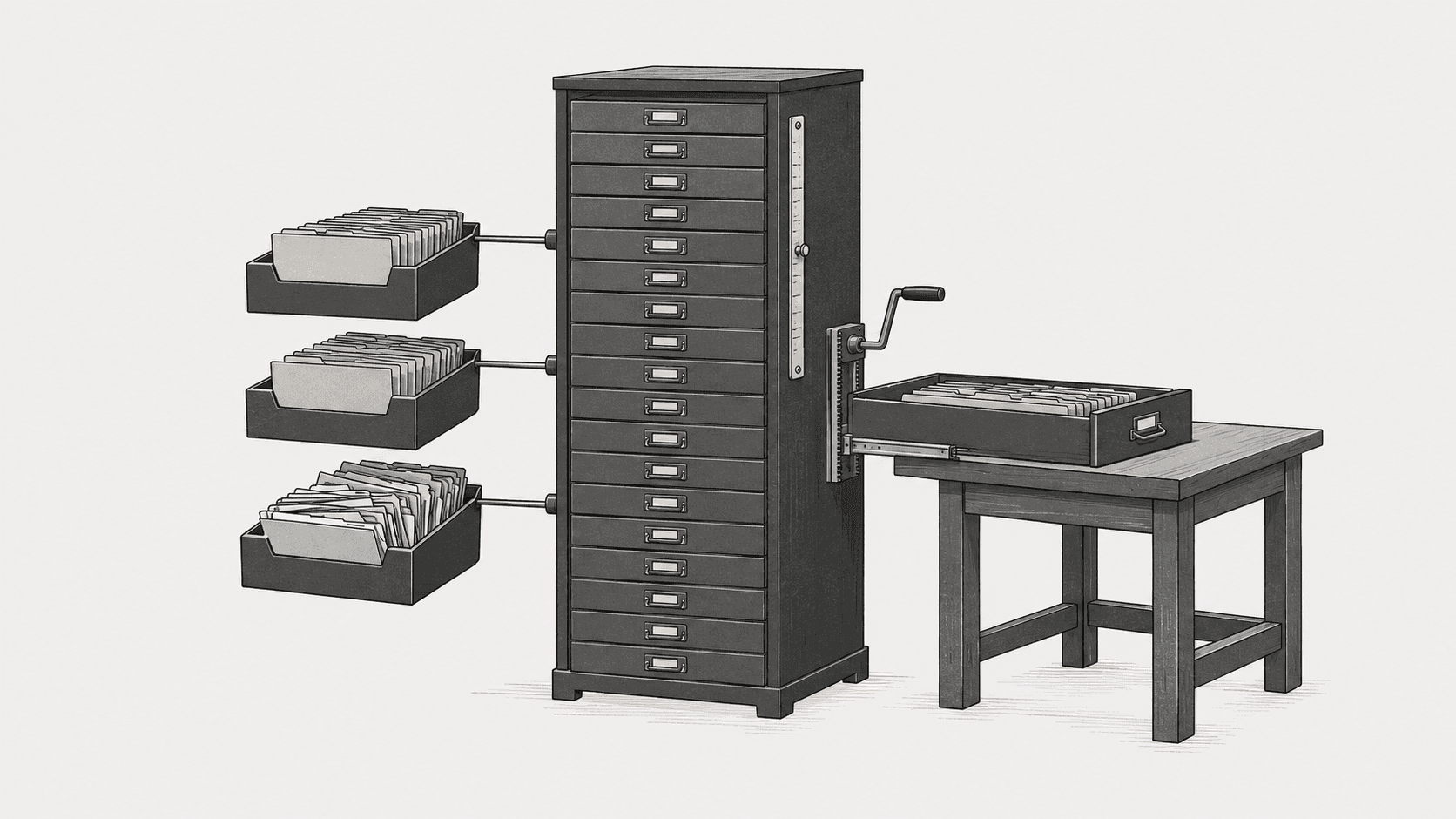
Most slow SQL Server queries are not slow because the engine is broken. They are slow because the wrong columns are missing an index, or the right index was rebuilt with a fill factor that quietly destroyed it three months later. This guide covers how to index a database in SQL Server: clustered versus nonclustered design, key column ordering, fill factor, and how to rebuild index sql server operations without blocking production writes.
A clustered index decides physical row order and is effectively mandatory on every table. Nonclustered indexes are cheap to add but expensive to maintain, so every one must answer a specific query pattern. Rebuilding an index resets its fragmentation but not its design, so a bad index rebuilt is still a bad index.
Clustered Index Design: One Per Table, and It Matters
SQL Server requires exactly one clustered index per table, and it uses that index to order rows on disk. Choosing the wrong clustered key is the single most expensive index database sql mistake, because every nonclustered index stores the clustered key as its row locator. A wide or non-unique clustered key bloats every secondary index in the table.
Good clustered keys are narrow, unique, static, and ever-increasing. A bigint identity column satisfies all four. A GUID primary key satisfies none of them: it is 16 bytes, it fragments on random inserts, and every nonclustered index carries that 16-byte pointer on every row. If you must use a GUID, make it sequential (see NEWSEQUENTIALID() in the Microsoft documentation) and never cluster on it.
-- Good: narrow, unique, static, increasing
CREATE CLUSTERED INDEX CX_Orders_OrderId
    ON dbo.Orders (OrderId);

-- Bad: wide clustered key stored in every nonclustered index
CREATE CLUSTERED INDEX CX_Orders_PublicGuid
    ON dbo.Orders (PublicGuid);
Nonclustered Index Columns: Covering and Key Order
A nonclustered index helps a query when the leading key column matches a predicate the optimizer can seek on. Column order in the key is not cosmetic: an index on (CustomerID, OrderDate) serves a filter on CustomerID alone, but an index on (OrderDate, CustomerID) does not serve a filter on CustomerID without a full scan of the index. Put equality predicates first, then range predicates.
Covering indexes remove key lookups entirely by including the remaining columns the query needs. Use INCLUDE for payload columns and keep the key list narrow. The trade-off: every included column makes the index wider, which means fewer rows per page, more pages to scan, and more write amplification on every insert.
CREATE NONCLUSTERED INDEX IX_Orders_Customer_Date
    ON dbo.Orders (CustomerID, OrderDate)
INCLUDE (Status, TotalAmount);| Design choice | Read benefit | Write cost | When to use |
|---|---|---|---|
| Clustered on identity | Fast range scans, narrow row locators | Low | Almost every OLTP table |
| Clustered on GUID | None unique to the design | High page splits on insert | Avoid; use sequential GUID if stuck |
| Nonclustered key-only | Seeks on predicates | Moderate | Filtered lookups |
| Nonclustered with INCLUDE | Covers query, no lookup | High on wide includes | Hot, repeated query patterns |
Rebuild Index SQL Server: Fragmentation and Maintenance
Rebuilding an index reorganizes pages and resets the fill factor, but it does not fix a bad key design. A common failure mode: a team notices slow queries, runs a blanket ALTER INDEX ALL ... REBUILD on every table, sees no improvement, and concludes indexing does not help. The actual problem was a missing covering index, and the rebuild only churned CPU and log for an hour.
Check fragmentation first. Fragmentation under roughly 5 percent usually does not justify a rebuild. Between 5 and 30 percent, REORGANIZE is online and cheap. Above 30 percent, REBUILD is warranted. These thresholds are heuristics, not laws: a heavily fragmented index on a small table costs little, while a mildly fragmented index on a table scanned thousands of times per minute may deserve the rebuild.
SELECT object_name(ips.object_id) AS TableName,
       i.name AS IndexName,
       ips.avg_fragmentation_in_percent,
       ips.page_count
FROM sys.dm_db_index_physical_stats(
        db_id(), object_id('dbo.Orders'), NULL, NULL, 'LIMITED') ips
JOIN sys.indexes i
  ON i.object_id = ips.object_id AND i.index_id = ips.index_id
WHERE ips.avg_fragmentation_in_percent > 10
  AND ips.page_count > 1000;

ALTER INDEX IX_Orders_Customer_Date
    ON dbo.Orders REBUILD WITH (ONLINE = ON, SORT_IN_TEMPDB = ON);
The page_count > 1000 filter matters. Rebuilding a 40-page index to fix 40 percent fragmentation is pure overhead: the whole index fits in memory and the fragmentation never affects a scan. Filter noise out of your maintenance job or it will burn CPU nightly on tables that do not need it.
Fill Factor: The Setting That Quietly Destroys Indexes
Fill factor controls how full each leaf page is when the index is built or rebuilt. A fill factor of 100 (the default) leaves no free space, so every insert that lands on a full page causes a page split: SQL Server allocates a new page, moves half the rows, and updates every nonclustered index pointing at the moved rows. On an insert-heavy table, this is fragmentation on a timer.
Setting fill factor to 90 on an insert-heavy table reserves 10 percent free space per page and dramatically reduces page splits. The cost is real: you use more pages, so scans read more I/O, and every rebuild writes more data. Set fill factor at the index level on tables you actually insert into, not globally. A read-only lookup table with fill factor 90 is wasting I/O for nothing.
-- Reserve 10% free space on an insert-heavy index
ALTER INDEX IX_Orders_Customer_Date
    ON dbo.Orders REBUILD WITH (FILLFACTOR = 90, ONLINE = ON);
Do not set a global fill factor of 90 "just to be safe." Every read query on every index in the instance pays for that free space. Set it per index, on tables with real insert volume, and monitor page splits with sys.dm_db_index_operational_stats to confirm the splits actually dropped.
A Debugging Sequence That Isolates the Cause
When a query is slow, walk this sequence before touching any index:
- Get the actual plan. Look for key lookups, table scans, or an estimated versus actual row count mismatch that signals stale statistics.
- Check whether an index exists on the predicate columns at all. Run
sys.dm_db_index_usage_statsto see which indexes are actually used and which are write-only overhead. - Verify key column order matches the query's equality-then-range pattern.
- Only after the design is right, look at fragmentation and fill factor.
Skipping to step 4 is the most common mistake. Fragmentation is a maintenance concern; missing or misordered keys are a design concern, and no amount of rebuilding fixes a design problem. For the query-side half of this problem, see the related work on Eloquent N+1 query problems at scale, which covers the same "one query became a thousand" failure from the ORM side.
Frequently asked questions
Should every table have a clustered index?
Yes, in almost every case. Without one, SQL Server creates a heap, and heaps have no natural row order, causing forwarding pointers on updates and expensive scans. The exception is a truly append-only staging table that is never queried by range and gets bulk-loaded then dropped.
How many nonclustered indexes is too many?
There is no fixed number. Every nonclustered index adds write amplification on insert, update, and delete. If an index has not appeared in sys.dm_db_index_usage_stats after a full workload cycle and is not required for a critical query, it is overhead. Drop it and measure.
Does rebuilding an index reset the fill factor?
Yes. REBUILD rewrites the index and applies the current fill factor, including the default of 100 if none is specified. If you set a custom fill factor, every rebuild must restate it, or the setting silently reverts to the default on the next maintenance run.