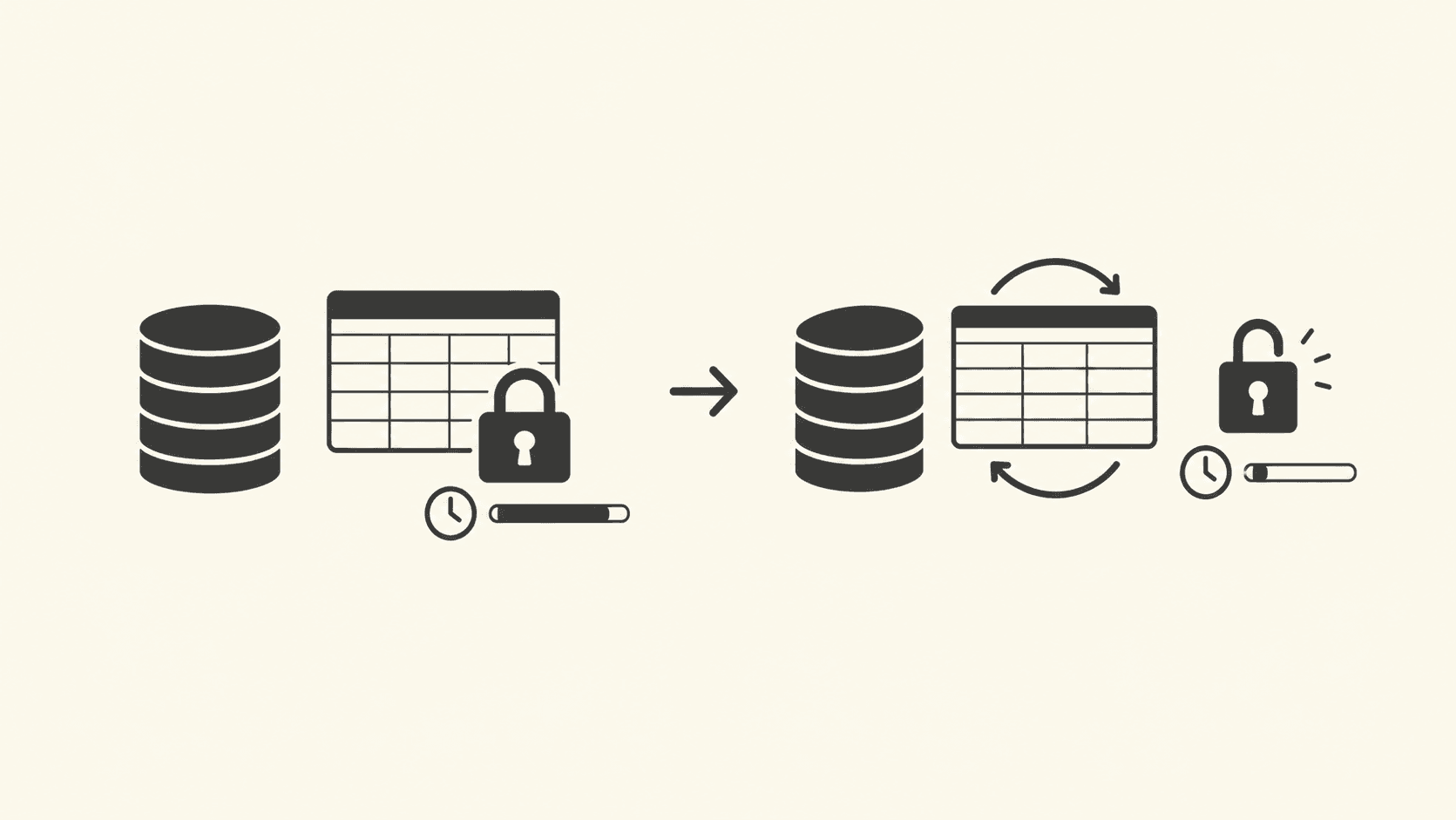
A table that grows to three times its live-data size makes every sequential scan, index rebuild, and backup slower, and no amount of index tuning fixes it. This article shows how to detect table and index bloat in PostgreSQL, then compares three repair paths: VACUUM FULL, pg_repack, and the new REPACK CONCURRENTLY arriving in PostgreSQL 19. My recommendation up front: use autovacuum tuning plus pg_repack on PostgreSQL 17 and earlier for tables under a few hundred GB with a maintenance window; use REPACK CONCURRENTLY on PostgreSQL 19 when you cannot afford a lock longer than a second; avoid VACUUM FULL on production traffic because it takes an ACCESS EXCLUSIVE lock for the entire rewrite.
What table bloat is and why it degrades performance
Table bloat is dead-tuple space that VACUUM marks reusable but never returns to the operating system. PostgreSQL's MVCC model keeps the old row version visible to any transaction that started before the deleting or updating transaction committed, so an UPDATE writes a new tuple and leaves the old one behind. VACUUM later clears those tuples for reuse inside the table's existing file blocks, but the file itself does not shrink.
The cost is mechanical, not mysterious. A sequential scan reads every page in the file, dead or live. An index entry still points at the old tuple location until cleanup reclaims it. Your buffer cache fills with pages that are mostly garbage, so hit rates drop. None of this shows up as a slow query in isolation; it shows up as everything being uniformly slower than your query plan says it should be. If you have already read a plan carefully, as covered in the guide to reading a query plan with EXPLAIN ANALYZE, and the plan is fine but execution is slow and disk-heavy, bloat is a prime suspect.
Detect bloat before you reach for a rewrite
Do not rewrite a table because it "feels slow". Measure first. The cheapest signal is the statistics collector:
-- PostgreSQL 13+; run on the database in question
SELECT relname, n_live_tup, n_dead_tup,
       round(n_dead_tup * 100.0 / greatest(n_live_tup + n_dead_tup, 1), 1) AS dead_pct,
       last_autovacuum
FROM pg_stat_user_tables
WHERE n_dead_tup > 10000
ORDER BY n_dead_tup DESC
LIMIT 20;
A dead-tuple percentage above roughly 20 percent on a hot table justifies a closer look. For a precise measurement, use the pgstattuple extension, which reads the actual pages and reports the real free percentage:
CREATE EXTENSION IF NOT EXISTS pgstattuple;

SELECT * FROM pgstattuple('public.orders');
-- table_len, tuple_count, tuple_len, tuple_percent,
-- dead_tuple_percent, free_percent are the columns to read
pgstattuple takes a full scan of the table, so run it off-hours on large tables. A dead_tuple_percent plus free_percent above 30 to 40 percent means a rewrite will genuinely reclaim space; below that, a rewrite costs more than it returns.
Check index bloat separately with pgstatindex('idx_name'). Indexes on columns with random update patterns can bloat far faster than the heap, and REINDEX CONCURRENTLY (available since PostgreSQL 12) fixes them without the heavier table rewrite.
A reproducible failure mode: the update storm that autovacuum cannot outrun
The most common way teams end up with severe bloat is a high-churn table where update throughput exceeds autovacuum throughput. You can reproduce the whole failure on a laptop in ten minutes:
- Create a test table:
CREATE TABLE churn (id int PRIMARY KEY, payload text); - Insert 5 million rows:
INSERT INTO churn SELECT g, md5(g::text) FROM generate_series(1, 5000000) g; - Temporarily disable autovacuum on it:
ALTER TABLE churn SET (autovacuum_enabled = false); - Run a loop that updates every row:
UPDATE churn SET payload = md5(payload); - Check size:
SELECT pg_size_pretty(pg_total_relation_size('churn')); - Run
SELECT relname, n_dead_tup FROM pg_stat_user_tables WHERE relname = 'churn';and observe roughly 5 million dead tuples. - Run
VACUUM (ANALYZE) churn;and re-check the size. It will be essentially unchanged, because plainVACUUMonly marks space free inside the existing file.
The observable symptom that confuses people is step 7: vacuum ran successfully, the log confirms it, and the table did not shrink. That is documented behavior, not a bug. Plain VACUUM never compacts the file; only a rewrite (VACUUM FULL, CLUSTER, or a repack tool) does.
The production version of this failure has a second, nastier twist: a long-running transaction holds back the visibility horizon. If one idle-in-transaction session sits open for hours, VACUUM cannot remove any tuples that session might still see, and dead tuples accumulate across the entire database. Before blaming vacuum settings, check SELECT pid, state, xact_start FROM pg_stat_activity WHERE state = 'idle in transaction' ORDER BY xact_start; and kill or fix the oldest session. This interacts directly with your row locking and isolation level choices, because transactions that hold locks longer than necessary also hold the horizon longer.
The three repair paths compared
Once you have decided a rewrite is warranted, you have three options. The trade-offs are almost entirely about locking.
| Option | Lock taken | Extra disk needed | Availability since | Use when |
|---|---|---|---|---|
VACUUM FULL | ACCESS EXCLUSIVE for the whole rewrite: no reads, no writes | None beyond a copy of the table in the new relfilenode during the operation | Long-standing, all supported versions | Small tables, or a genuine maintenance window with no traffic |
pg_repack extension | Brief ACCESS EXCLUSIVE at the final swap, seconds | Roughly the table size plus its indexes, temporarily | Supports PostgreSQL 12 through 17 in current releases | Production tables on PostgreSQL 17 or earlier where seconds of lock are acceptable |
REPACK CONCURRENTLY (PostgreSQL 19) | Short locks at swap; writes proceed during most of the repack | Similar to pg_repack: a full transient copy | PostgreSQL 19 | Large hot tables where even a final-swap outage window is hard to schedule |
REPACK CONCURRENTLY is the headline change in PostgreSQL 19: it brings pg_repack-style online compaction into the server, so you no longer need an external extension or superuser-level setup for the common case. The reported behavior in the signal that motivated this article is that a swap which stalled writes for around five seconds under the older approach completes with a lock under a second. Verify the exact semantics for your build in the PostgreSQL 19 release notes and the VACUUM reference page rather than trusting any summary, including this one, because the command's restrictions (for example, on tables with certain constraints or during other DDL) are still being finalized in the development cycle.
One mechanism worth understanding: all three paths work by writing a new physical copy of the table and then atomically swapping the file references. That is why each needs transient disk space roughly equal to the table, and why the final step is a metadata swap that must invalidate cached plans and relation caches. This is the same reason database migrations that rewrite tables are dangerous at scale: the swap moment is short, but it touches everything that has the old relation cached.
The decision rule, with its flip conditions
Use plain autovacuum tuning as your default and treat rewrites as surgery. Concretely:
- Under ~100 GB with a nightly quiet window:
VACUUM FULLduring the window is fine and needs no extensions. The flip: the moment the rewrite duration approaches your window, or you cannot guarantee zero traffic, move to pg_repack. - 100 GB to several hundred GB on PostgreSQL 17 or earlier:
pg_repack. Plan disk space of about the table's size plus indexes, and run it off-peak because it generates write I/O comparable to a full table rewrite plus index builds. - Hot tables where any write stall hurts, on PostgreSQL 19:
REPACK CONCURRENTLY. The flip back: if your table has features the command restricts, or you are pinned to an older major version, pg_repack remains the tool. - Index-only bloat: skip the heap entirely and use
REINDEX CONCURRENTLY.
The popular advice this article argues against is "just run VACUUM FULL when the table is big". The mechanism makes that advice wrong at any real scale: ACCESS EXCLUSIVE blocks every reader and writer for the duration, and on a busy table the queue of waiting backends then slams in at once when the lock releases, producing a latency spike worse than the bloat you removed. Bloat is a background problem; its fix should be a background operation.
Prevention: tune autovacuum per table
The best query optimization here is never needing the rewrite. Default autovacuum triggers at a scale factor of 0.2 (20 percent of the table changed) plus a threshold of 50 tuples, configurable via autovacuum_vacuum_scale_factor and autovacuum_vacuum_threshold; verify current defaults in the autovacuum documentation for your version. On a 100 million row table, 20 percent means 20 million dead tuples accumulate before vacuum fires. That is why high-churn tables need per-table overrides:
ALTER TABLE churn SET (
  autovacuum_vacuum_scale_factor = 0.01,
  autovacuum_vacuum_cost_delay = 0
);
A 1 percent scale factor triggers vacuum after about a million changed tuples on that table, keeping dead-tuple counts low enough that the file never balloons. The flip condition: more aggressive vacuuming costs more background I/O and CPU. On read-mostly tables, leave the defaults alone.
Frequently asked questions
Does VACUUM FULL lock the table?
Yes. It takes an ACCESS EXCLUSIVE lock from start to finish, blocking all reads and writes for the entire rewrite, which can take minutes to hours on large tables. It also requires an ACCESS EXCLUSIVE-compatible window with no transactions in progress against the table. Use pg_repack or, on PostgreSQL 19, REPACK CONCURRENTLY when uptime matters.
How often should I repack tables in PostgreSQL?
Only when measurement says so: dead plus free space above roughly 30 to 40 percent confirmed by pgstattuple, or sustained growth you cannot stop with autovacuum tuning. A well-tuned high-churn table may never need a manual repack. Scheduled "monthly repacks" are wasted I/O on tables that vacuum keeps compact.
Is REPACK CONCURRENTLY safe with ACID guarantees?
Yes. The rewrite builds a new copy of the table while the original continues to serve reads and writes under normal transactional semantics, then swaps them atomically. The acid transaction guarantees of in-flight statements are preserved; the only exposure is the brief lock at the swap and the transient disk usage of holding two copies.
Bloat is a capacity and hygiene problem, not an exotic one. Measure with pg_stat_user_tables and pgstattuple, fix the horizon problems and autovacuum settings that caused it, and reserve rewrites for the tables where the numbers justify them. Pair the size fix with the index work in the SQL indexing debugging guide, because a compacted table with bad indexes is only half the win.