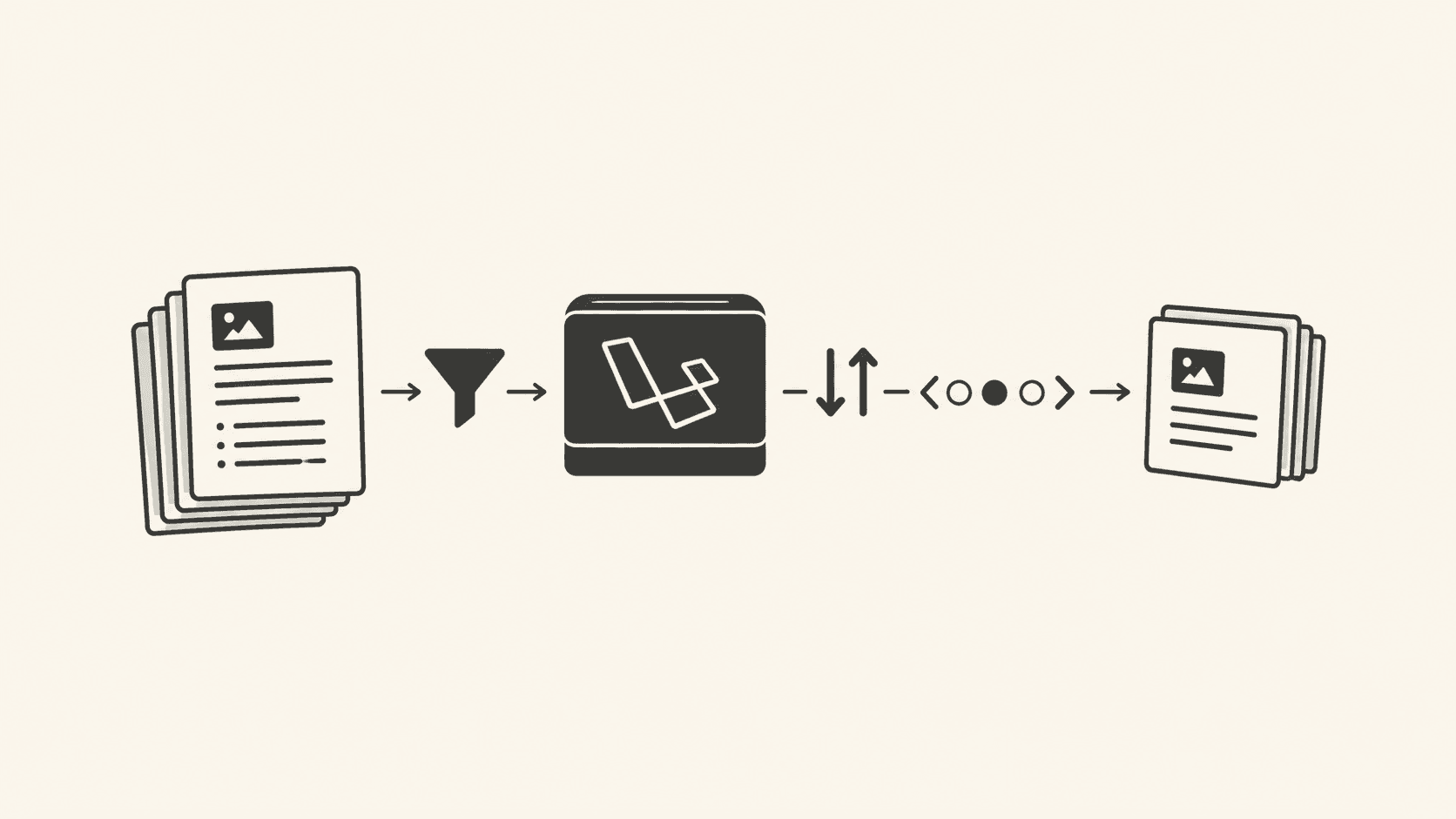
Offset pagination breaks under concurrent writes and large tables: rows duplicate or skip as the set shifts. Use keyset pagination when a table exceeds roughly 10,000 rows or sustains more than 50 writes per minute. You will be able to pick the right scheme, implement it in Laravel, and avoid the silent data loss offset causes.
Which API pagination method should you use?
Use offset pagination for admin panels under 10k rows with rare writes; use keyset pagination for public APIs, feeds, and any table above 10k rows or with steady inserts. Avoid offset in high-write paths because a shifted page boundary drops or duplicates rows with no error.
Use offset only when the result set is small and static. Switch to keyset when row count exceeds 10,000 or write rate passes 50 rows per minute. Never expose raw OFFSET to clients on large tables.
Why offset pagination fails under concurrency
Offset pagination sends LIMIT 20 OFFSET 40 and assumes row 41 is the same on request 2 as on request 1. Under insert or delete load that assumption is false. The failure is silent: the client receives a 200 with missing or repeated items.
Reproduce the offset skip
Follow these steps on PostgreSQL 15 or later to see the defect. Verify your version with SELECT version(); (docs: postgresql.org/docs/current/functions-info.html).
- Create a table:
CREATE TABLE events (id bigserial PRIMARY KEY, created_at timestamptz DEFAULT now()); INSERT INTO events SELECT FROM generate_series(1,1000); - Session A starts paging:
-- page 1 SELECT id FROM events ORDER BY id LIMIT 20 OFFSET 0; -- page 2, run AFTER step 3 SELECT id FROM events ORDER BY id LIMIT 20 OFFSET 20; - Session B inserts a row in the same transaction window:
INSERT INTO events (id) VALUES (nextval('events_id_seq')); - Observe: page 2 returns id 21 as its first row, but id 20 was returned on page 1. One row is duplicated and one is skipped relative to a stable snapshot.
The mechanism is that OFFSET counts from the current table state, not from a snapshot. Without REPEATABLE READ (set via SET TRANSACTION ISOLATION LEVEL REPEATABLE READ; per postgresql.org/docs/current/transaction-iso.html), each statement sees new commits.
Keyset pagination and its trade-off limits
Keyset pagination sends the last seen key instead of a count. It is stable under writes but cannot jump to an arbitrary page. The ranking reverses when a user needs random access: offset wins for "go to page 37" in a back-office tool with 5 writes per day.
| Dimension | Offset | Keyset |
|---|---|---|
| Stable under writes | No | Yes |
| Jump to page N | Yes | No |
| Index use at deep pages | Full scan to offset | Index seek |
| Best below 10k rows, low write | Yes | Overkill |
| Best above 10k rows or high write | No | Yes |
In Laravel 10 and 11, keyset is a where clause on the ordered column. The official query builder docs are at laravel.com/docs/queries. Use a unique tie-breaker column to avoid dropping rows with equal sort keys.
// Laravel 11 keyset, stable under writes
$lastId = $request->query('last_id', 0);
$items = DB::table('events')
    ->where('id', '>', $lastId)
    ->orderBy('id')
    ->limit(20)
    ->get();
$next = $items->last()->id ?? null;
When sorting by created_at, add id as a secondary key: where('created_at', '>=', $lastDate)->orWhere(fn($q) => $q->where('created_at',$lastDate)->where('id','>',$lastId)). This prevents drops when timestamps collide.
Debugging pagination drift in production
When a client reports missing items, isolate the cause with this sequence. Run each step against the live read replica.
- Check write rate:
SELECT count(*) FROM pg_stat_user_tables WHERE relname='events'; -- compare seq_scan vs idx_scan in pg_stat_user_tables - Confirm the query shape: log the SQL from Laravel via
DB::enableQueryLog()in a staging run (laravel.com/docs/database#listening-for-query-events). - If you see
OFFSETand the table exceeds 10k rows, the drift is the offset shift, not a deleted row. - Switch the endpoint to keyset and replay the client's last_id values to confirm stable output.
This isolates the fault without guessing. Offset drift shows as gaps that move between requests for the same user; a real delete shows as a consistent absence.
Common advice to narrow: "always use cursor pagination"
The popular claim is that cursor (keyset) pagination is always superior. That is false for internal tools with random page jumps and low write volume. Keyset forces sequential access; an admin filtering by page 37 pays for a 37-step walk or a separate count query. Use offset there, but cap it: WHERE id > 0 OFFSET LEAST(?, 5000) to bound scan cost.
Related guidance on keeping query plans honest under pagination load is in Fix Table Bloat for Better Query Optimization, which covers how bloat changes plan choice on deep scans.
API contract and versioning notes
When you change from offset to keyset, the response shape changes. Treat it as a breaking change under rest api versioning: ship /v2/events?last_id= and deprecate /v1/events?page=. Do not silently swap the query param; clients coded to page will break. The Laravel route file maps versions to controllers (laravel.com/docs/routing).
Pair the new endpoint with api authentication (Laravel Sanctum, docs at laravel.com/docs/sanctum) and api rate limiting via throttle:60,1 in the route middleware stack (laravel.com/docs/routing#rate-limiting). Keyset endpoints are cheaper per page, so you can raise the limit after migration.
If the underlying table needs a new index for keyset, write a database migrations file with Schema::table('events', fn($t) => $t->index('created_at')) and run php artisan migrate on Laravel 11. Verify with \d events in psql.
Frequently asked questions
Can I use keyset with multiple sort columns?
Yes, build a composite key of all sort columns plus a unique id, and encode them into one opaque token. The where clause must compare the tuple in order; a single-column keyset drops rows when the first sort column has ties.
Does offset pagination hurt performance before 10k rows?
Below 10k rows with an index, OFFSET 20 is a cheap seek. The cost grows linearly with the offset value, so deep pages on a 500k row table scan to the offset even when the result is small.