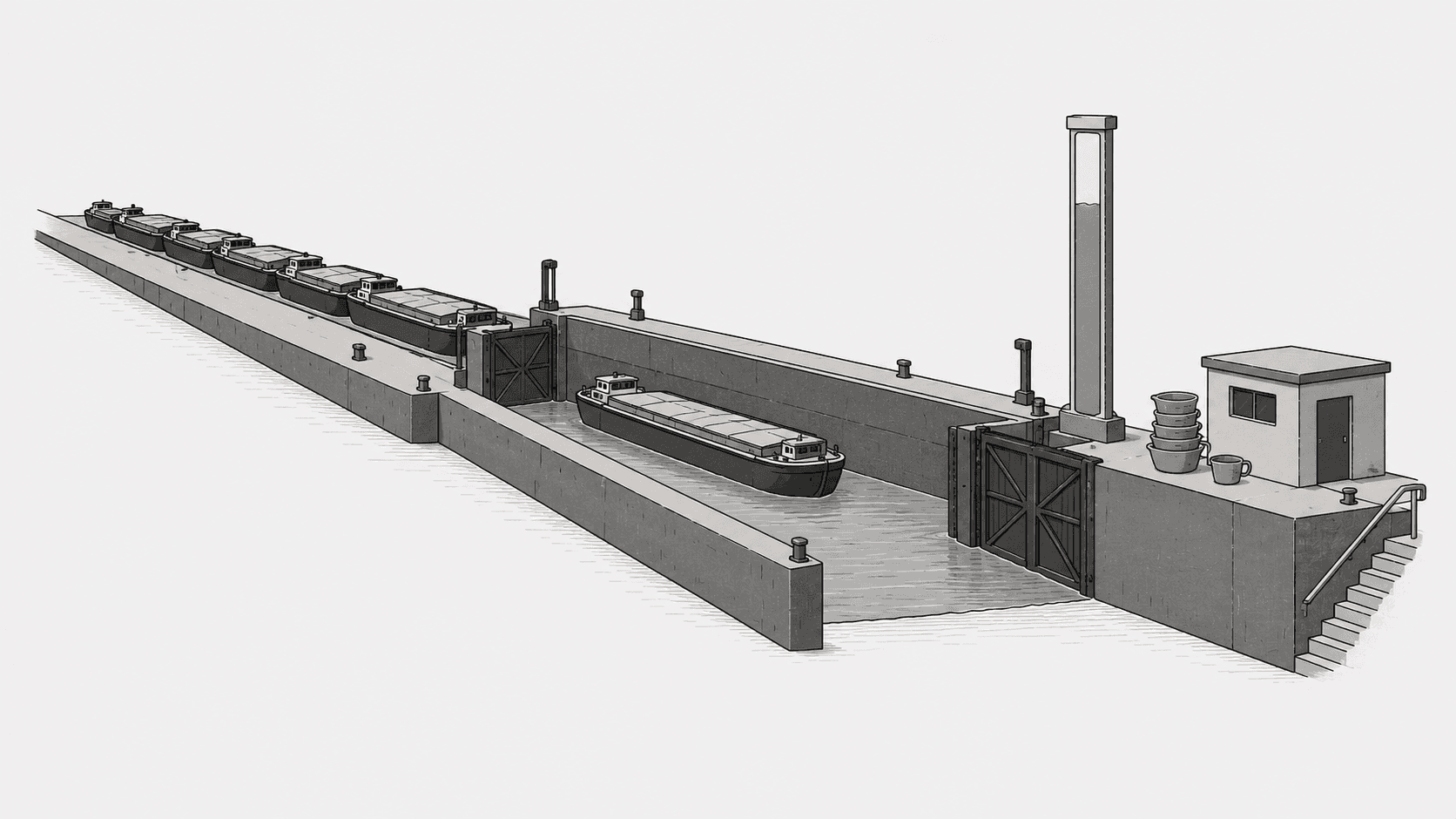
Adding workers to a laravel queue that is slow because jobs sleep, block on HTTP, or hold long transactions changes almost nothing: the workers just wait in parallel. This guide shows how to find the true bottleneck with queue:monitor, then size worker concurrency and memory limits from a measured resident set size rather than a guess. You will end with a worker count you can justify and a setup that does not get killed at peak.
Throughput is bounded by the slowest resource, not worker count. Measure per-process memory first, cap concurrency from RAM, then only increase workers if the queue is genuinely latency-bound.
How do I know if I need more laravel queue workers?
Compare queue depth against worker count over time. If depth stays near zero and jobs finish within your SLO, you do not need more workers. If depth grows while CPU sits below roughly 70 percent, you are latency-bound and more workers help. If depth grows while CPU is saturated, the fix is faster jobs, not more processes.
The fastest signal is the built-in monitor. Point it at a queue name and give it a threshold in seconds. It dispatches an event when the oldest waiting job exceeds that age, which is far more useful than watching a dashboard that only shows a moving average.
php artisan queue:monitor redis:default,redis:mail --max=60Run that in its own long-lived process (a Supervisor program of its own, or a scheduler entry) because it loops until stopped. A threshold of 60 seconds means: alert me the moment the oldest job has waited a minute. Tune the number to your actual SLO. For a password reset email, 60 seconds is already too slow. For a nightly report, 15 minutes is fine.
Note the syntax: the queue names are comma-separated with the connection prefixed, and --max takes seconds. Verify against the queues documentation for your version, since older releases used a different monitor invocation.
Why adding workers does not always raise throughput
Adding workers only helps when a worker is idle waiting on something external. If jobs are CPU-bound, extra processes contend for the same cores and total throughput stays flat while memory use climbs. If jobs block on a sleeping loop, a slow third-party API, or a shared database lock, every worker stalls on the same resource.
The classic reproduction is a worker concurrency setting that scales fine in staging and collapses in production. The mechanism is usually one of these:
- Database connection exhaustion. Each worker holds at least one connection. Twenty workers on a 25-connection pool leaves nothing for web requests, and you start seeing connection timeouts under load.
- Row lock convoy. Jobs that update the same row in a transaction serialize on the lock. Ten workers, one row, the same wall-clock time as one worker.
- Memory ceiling. Each PHP process has its own heap. Bulk jobs that hydrate large Eloquent collections can push a single worker past the container limit, and the OOM killer restarts the container, killing in-flight jobs.
Before adding a worker, answer one question: while jobs are queued, is any existing worker actually busy with CPU, or are they all waiting? If they are waiting, more workers wait too.
Measure laravel queue worker memory before you set the count
Per-worker memory is the number that ties concurrency to your container size. Measure it on a single worker processing real job types, not on a freshly booted process that has never run anything. PHP memory does not shrink back to baseline after a heavy job, which is why peak matters.
Use the worker's own report, then confirm at the OS level. The --verbose flag makes the worker log memory usage per job, which is the most direct signal of which job class is inflating the heap:
php artisan queue:work redis --queue=default --memory=256 --verboseThe --memory value is in megabytes. When a worker exceeds it, the process exits cleanly and the supervisor restarts it, which is a safety valve, not a fix. If it triggers regularly, either a job is too heavy or the limit is too low for the payloads you feed it.
To get a defensible number for capacity planning, run one worker under a real payload and sample resident set size externally. On Linux, ps is enough:
ps -o pid,rss,cmd -C php | grep queue:workrss is in kilobytes. Divide by 1024 for megabytes and use the peak you observe after the heaviest job, not the idle value. A worker that idles at 40 MB and peaks at 180 MB needs planning room for 180 MB, plus headroom for the next payload. In container memory accounting, this is the number that matters, because the kernel counts anonymous pages plus page cache against the cgroup limit.
Sizing supervisor numprocs from container RAM
Set numprocs so that peak RSS times the process count plus a reserve for the OS and any sidecar fits under the container limit. The formula is simple, and applying it usually produces a lower and more stable number than the default of guessing.
Suppose a 1 GB container, a peak RSS of 150 MB per worker, and 200 MB reserved for the kernel, the Supervisor process, and log buffering. Available for workers: roughly 820 MB. At 150 MB each, that is 5 workers, not 10. Pushing to 10 workers fits the arithmetic at idle RSS and fails at peak, which is exactly the failure that looks random in production and never reproduces in staging.
| Approach | When it fits | Cost | Failure mode |
|---|---|---|---|
| Single supervisor, high numprocs | Uniform job types, predictable RSS | Simplest config | One heavy job class inflates every worker's peak |
| Separate supervisors per queue | Mixed light and heavy queues | More config, more processes to watch | Memory budget must be split manually; a shared pool can starve |
| Horizontal scaling of containers | CPU-bound or spiky load | More infrastructure, slower to change | Connection pool pressure on shared database |
For most Laravel applications the recommendation is explicit: start with one supervisor per logical queue class (mail and notifications in one, media processing in another), size each from its own measured peak RSS, and only reach for horizontal scaling when a single container cannot provide the concurrency you need without exceeding RAM.
A concrete debugging sequence for stalled queues
When a laravel queue backs up, work in this order. It isolates the cause in a few minutes instead of after a round of speculation.
- Check depth and oldest job age. If depth is flat, the queue is fine and the symptom is elsewhere.
- Check whether workers are alive. A crashed worker that Supervisor is not restarting looks identical to a slow queue from the outside.
- Check CPU. Saturated CPU means the bottleneck is the job code, not concurrency.
- Check database connections. Count active connections from the worker hosts; if you are at the pool limit, more workers make it worse.
- Check for a single hot job class. Sorting the failed jobs and running jobs by class usually shows one offender causing most of the latency.
- Only then raise
numprocs, and re-measure memory after the change.
Supervisor configuration is where most of this is actually decided. A minimal program that respects a memory ceiling looks like this:
[program:laravel-worker]
command=php /var/www/html/artisan queue:work redis --queue=default --sleep=1 --tries=3 --timeout=90 --max-time=3600
numprocs=4
stopwaitsecs=120
Two details matter here. --max-time=3600 makes each worker exit after an hour of work, which releases memory that PHP will not return to the OS, and gives you a rolling restart for free. stopwaitsecs must exceed your longest queue job timeout, otherwise Supervisor kills the process mid-job and you get a failed job that looks like a crash.
Timeouts deserve their own check because they interact badly with retries. If a job's runtime is close to --timeout, it will occasionally be killed after doing most of the work, get retried, and do the work again. That is a correctness problem, not just a performance one, and it is covered in more depth in Laravel Queue Retry and Backoff Explained. If your jobs touch Eloquent heavily, the query patterns inside them are often the real cost; see Fix Eloquent N+1 in Laravel.
Worker count versus job timeout
Longer timeouts and higher concurrency pull in opposite directions. Every worker is a slot that is unusable for the duration of the job, so a 90 second timeout with 4 workers caps throughput at roughly 4 jobs per 90 seconds for jobs that use the whole budget. If most jobs take 200 milliseconds and one class takes 90 seconds, split the queues: put the slow class on its own supervisor with more slots and a longer timeout, and keep the fast path on a short timeout so a stuck job cannot block email delivery.
Frequently asked questions
Should the worker memory limit match the container limit?
No. Set --memory well below the container limit so the worker exits cleanly and Supervisor restarts it, instead of the kernel OOM killer terminating the container and all sibling workers with it. Leave at least a few hundred megabytes of headroom for the kernel and sidecars.
Does running more workers than CPU cores help?
Only for IO-bound jobs. A common starting point is one worker per core for CPU-bound work, and two to four times the core count for jobs that wait on network or disk, subject to the memory budget. Measure before raising it; past the memory ceiling, extra workers reduce reliability rather than increase throughput.
How do I restart workers after deploying code?
Run php artisan queue:restart. Each worker finishes its current job, then exits, and Supervisor starts a fresh process with the new code. Because of this, stopwaitsecs in Supervisor must exceed your queue job timeout, or the restart will kill in-flight jobs and leave them failed.